🏠
Back




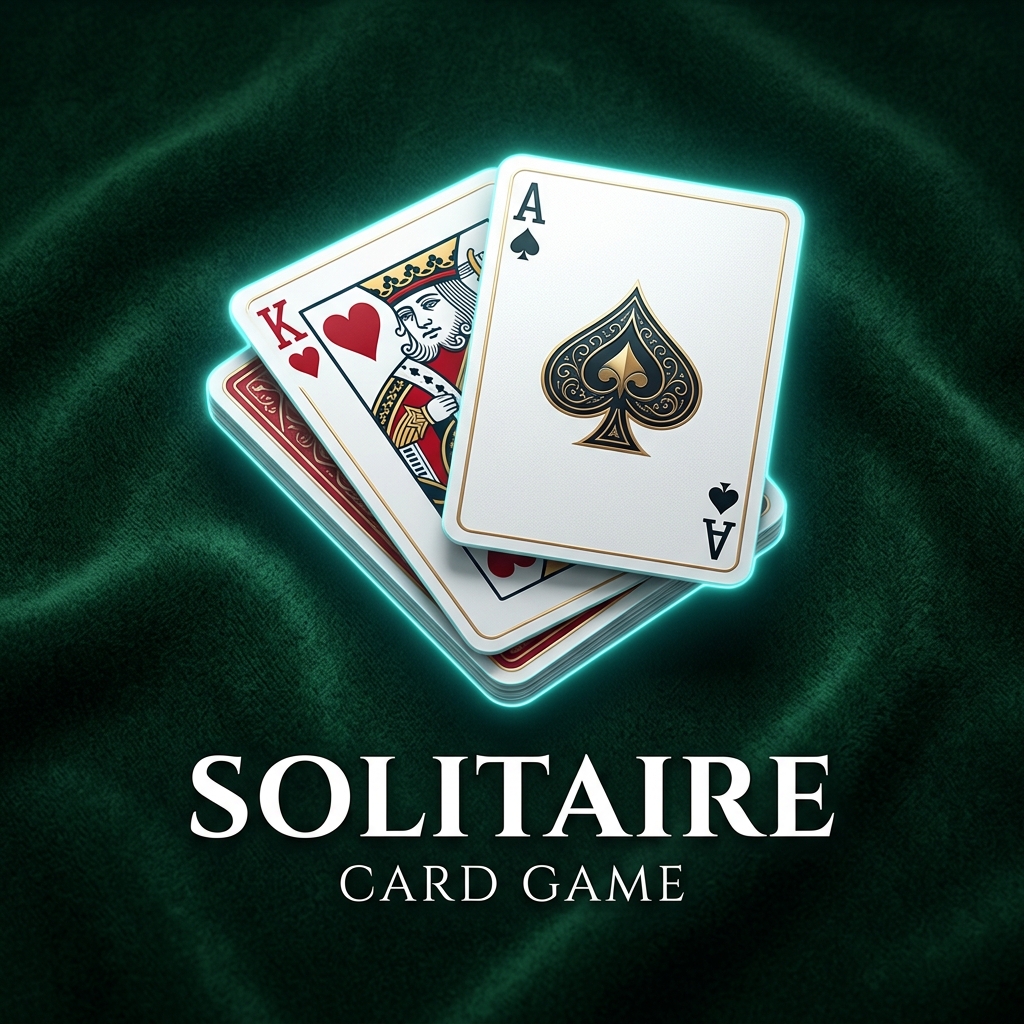









Play Google Solitaire online free in fullscreen. Classic card game with Easy & Hard modes. No ads, no downloads—just smooth solitaire fun anywhere!
The objective is to move all the cards onto the four foundation piles (♠ ♣ ♥ ♦) in ascending order from Ace to King.
Build sequences in descending order (King → Queen → Jack → … → Ace), alternating red and black suits. Move cards between columns to uncover hidden ones.
Continue sorting until all four foundations are complete. If you manage to stack every card in order, you win the game! 🎉
Choose between Draw 1 (Easy) or Draw 3 (Hard) mode to start your deck.
Arrange cards in the 7 tableau columns in descending order and alternating colors (red on black, black on red).
Move Aces to the top foundation slots, and stack cards of the same suit in ascending order (A to K).
Successfully sort all cards in the foundations to clear the board and win the round!
Always focus on plays that reveal face-down cards in the longest columns of the tableau first. This unlocks more movement options than drawing immediately from the stock deck.
Avoid clearing a tableau column completely unless you have a King ready to occupy the space. An empty slot without a King is a wasted space that cannot hold any other cards.
Try to maintain balanced stacks across the columns. Having a single massive stack while the rest are empty limits your flexibility to shift cards around to expose hidden ones.
| Supported Devices | Windows PC, Mac, Chromebook, iPhone, iPad, Android |
| Recommended Browser | Chrome, Edge, Safari, Firefox |
| Response Delay | 1-3ms (Input lag minimized) |
| Optimal Controls | Mouse Left-Click, Touchscreen Tap, Spacebar |
Google Solitaire is a free, browser-based version of the classic solitaire card game, launched by Google.
No, you can play Google Solitaire directly in your web browser without installing anything.
Yes, Google Solitaire is 100% free to play with no hidden costs.
Yes, Google Solitaire is fully responsive and works on smartphones, tablets, and desktops.
Google Solitaire offers two modes: Easy (draw one card) and Hard (draw three cards).
To win, you must move all the cards to the four foundation piles, sorted by suit from Ace to King.
Yes, Google Solitaire is based on Klondike Solitaire, the most common version worldwide.
Yes, Google Solitaire has an Undo button to reverse your last move.
Yes, depending on the mode, Google Solitaire includes a timer and score counter to track your performance.
Google Solitaire is free, quick to access, requires no download, and is a fun way to relax or challenge your brain anytime.